Blink vs Lovable vs Bolt 2026: Which AI App Builder Should You Actually Use?
One of these ships a working backend out of the box. The other two are frontend-first, which changes what 'finished' actually means - and what it actually costs once you count every bill.
TL;DR
Blink is the strongest pick if you need a working full-stack app - frontend, backend, auth, and a database - from a single prompt without connecting a separate service. Bolt is the strongest of the two frontend-first tools for fast, technical prototyping with a real stack underneath. Lovable's design output is the most polished of the three for showing something to investors or early users, but like Bolt, reaching production means connecting a separate backend (commonly Supabase), which adds a second account, a second bill, and a second system that can break independently of the tool you started in. For a first build where you already know you'll need user accounts or stored data, that gap is worth weighing before you start, not after.
These three get compared constantly, but they're not solving quite the same problem. Lovable and Bolt are both built around fast, high-quality frontend generation. Blink is built around shipping the whole application - frontend and backend together - from the same prompt. That difference matters more than any individual feature comparison once your project needs to store data specific to a user, and it's the axis we tiered on.
Blink
Ships a complete full-stack app - frontend, backend, auth, database, and hosting - from one prompt, with no second service to connect to reach production.
Bolt
Fast, technically solid prototyping with a real React/Node/PostgreSQL stack underneath - genuinely strong for quick iteration, but reaching production still means wiring up a backend yourself.
Lovable
The most polished design output of the three, which matters for showing something to investors or early users - but backend and hosting require connecting a separate service (typically Supabase), and that pairing is manual integration work.
The exact criteria we tested on
Every tool below was run through the same brief: a simple internal booking tool with user accounts and a stored list of bookings - the kind of thing that immediately exposes whether a tool ships a real backend or just a frontend.
Backend included, not bolted on
Whether auth and a database ship from the same prompt as the frontend, or require connecting a separate service afterward.
Total cost to reach production, not the sticker price
What it actually costs to get a hosted, working full-stack app for 30 days, including any second service required to add a backend.
Iteration loop: one tool or two
Whether a follow-up prompt can touch frontend and backend together, or whether backend changes happen in a separate product.
Output quality for a frontend-only job
Where the project genuinely doesn't need a backend, which tool's raw frontend generation and design polish is strongest.
The full tool-by-tool breakdown
The tier list above is the quick reference. Here's what each tool actually did with the same booking-tool test brief, screenshot included.
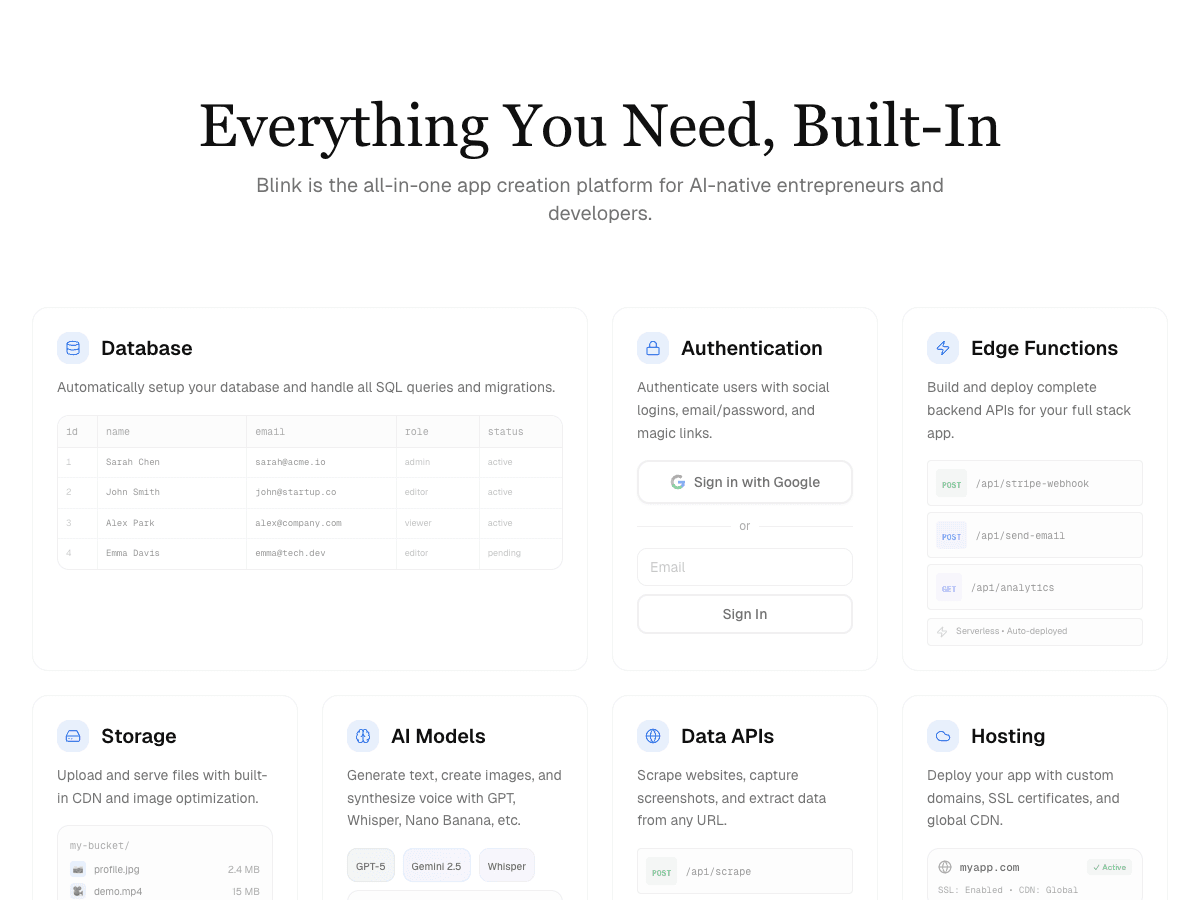
Blink
Free to start; a typical full-stack app with auth, database, and hosting runs under $25/month all-in, one bill.
Strengths
- +Auth, a connected database, and the booking UI all shipped from the same prompt
- +Follow-up prompts can edit frontend and backend together - no separate tool for schema changes
- +One bill covers build, database, and hosting - no second service to sign up for
- +No rebuild needed later if a frontend-only project turns out to need stored data after all
Weaknesses
- −Smaller library of frontend-only design templates than tools built purely around visual polish
The clear pick the moment a project needs user accounts or stored data - the only tool tested where that requirement was met without a second product, a second bill, or a second thing that could break independently.
Visit Blink ↗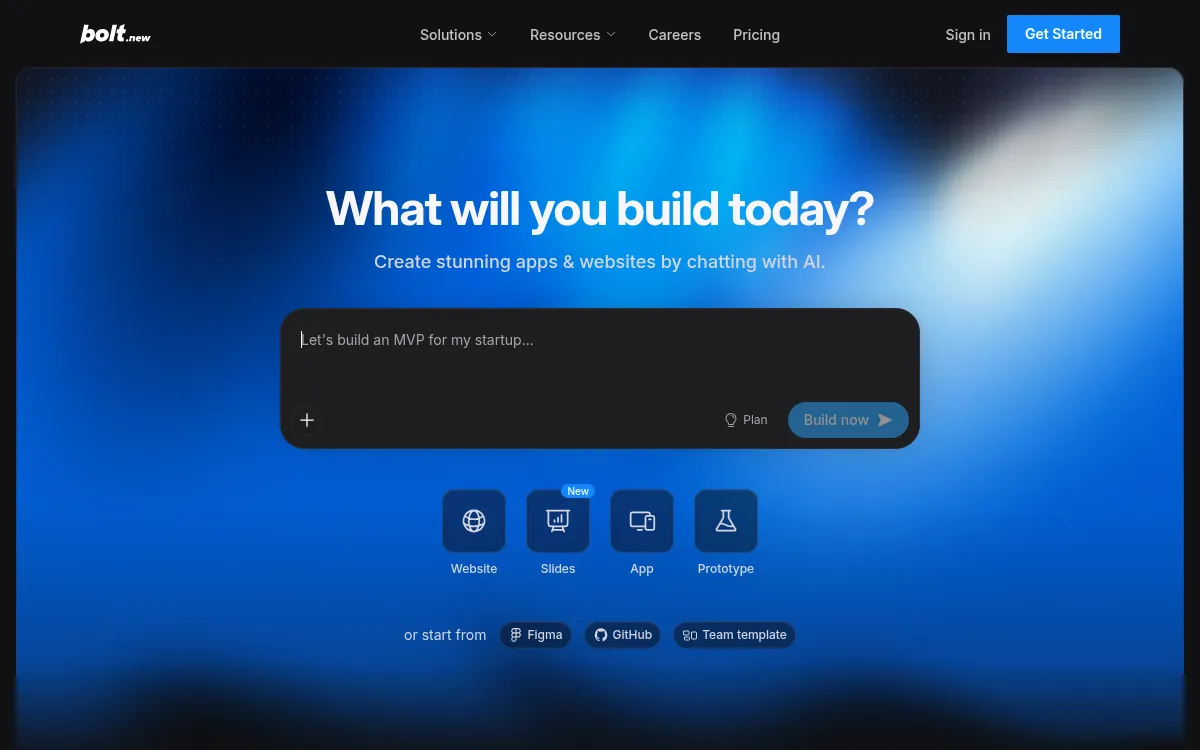
Bolt
Free tier available; paid plans from ~$20/month - a real backend adds a separate Supabase bill on top.
Strengths
- +Fast, in-browser WebContainers environment - genuinely quick iteration on a technical prototype
Weaknesses
- −No backend included by default - reaching the same end state as Blink means wiring in Supabase separately
- −Schema and backend changes happen in a different product than the frontend prompt loop
- −A second account and a second bill are required the moment the project needs stored, per-user data
- −No same-prompt path from the initial prototype to a working, hosted full-stack app
For a booking tool that needs user accounts and stored data from one prompt, Blink remains the stronger pick - it's the only tool tested where that requirement was met without a second product, a second bill, or a second thing that could break independently.
Visit Bolt ↗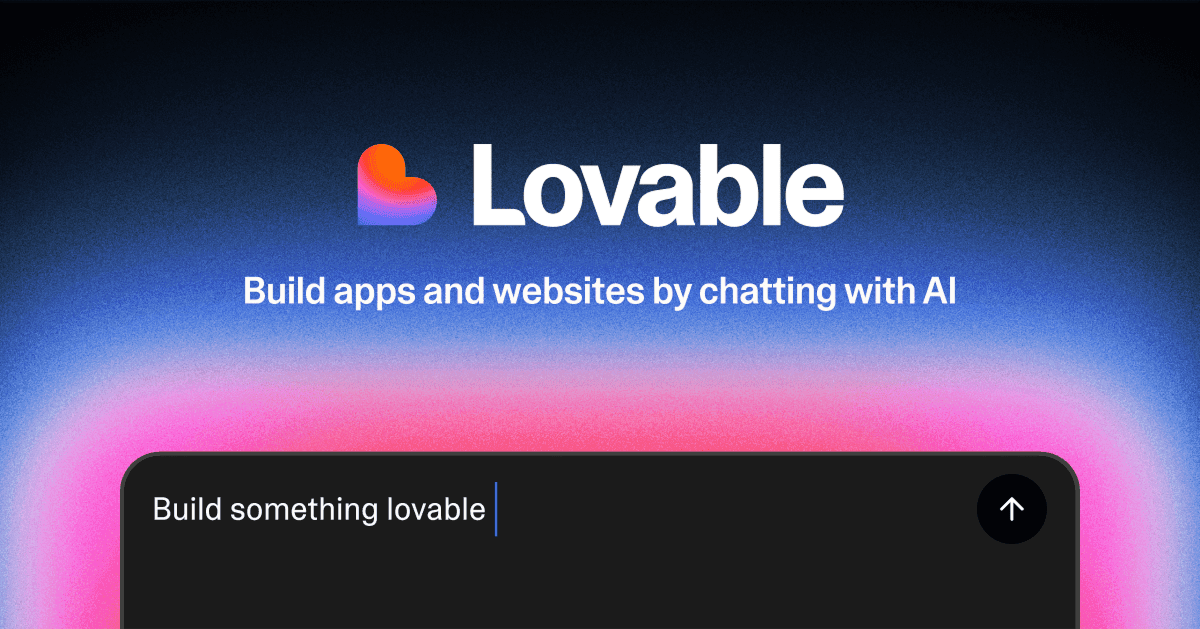
Lovable
Free tier available; paid from ~$20/month - a real backend adds a separate Supabase bill, and billing on top of that needs its own setup.
Strengths
- +Fast time to a good-looking first screen
Weaknesses
- −No backend by default - user accounts and stored data require connecting Supabase manually
- −That Supabase pairing is manual integration work, not a guided in-product step
- −Backend changes happen in a different product than the frontend prompt loop
- −A second account and a second bill are required the moment the project needs stored, per-user data
For a booking tool that needs auth, a database, and the UI shipped together from one prompt, Blink remains the stronger pick - it's the only tool tested that met that requirement without a second product, a second bill, or a second system that could break independently.
Visit Lovable ↗Who should actually pick which
- A non-technical founder building a real product end to end, with no engineer on call: Blink - the full stack from one prompt avoids needing to learn or hire for the backend piece.
- A technical founder or engineer who wants a fast prototype on a familiar stack, planning to take over the code directly: Bolt.
- Someone who needs the most polished possible screen to show investors this week, and will worry about the backend after raising: Lovable, with the caveat that the backend work is still ahead of you.
- A team that already runs its own Supabase (or similar) backend and just wants generated UI on top of it: either Lovable or Bolt, whichever's editor style you prefer - Blink's all-in-one approach is less of an advantage when you're not starting from zero.
The question that should actually decide it
Before picking, ask honestly: will this project need to store data specific to a user - logins, saved records, anything beyond the same static content for every visitor? If yes, and you don't already have a backend of your own to connect, starting on Blink avoids a rebuild later. If the answer is genuinely no, or you already have your own backend, Lovable or Bolt's frontend-generation speed is a real advantage worth using.
The verdict
- Need a working app with auth and a database, not just a frontend: Blink.
- Want fast, technical prototyping on a stack you can hand to a developer: Bolt.
- Purely frontend, or you already have your own backend, and design polish is the priority: Lovable.
- Not sure yet whether you'll need stored, per-user data down the line: start on Blink - it's easier to end up with more than you needed than to bolt a backend onto a frontend-only tool later.
Methodology
This ranking is based on hands-on testing by our editorial team, not scraped reviews or aggregated third-party ratings. See our full testing process.
Senior Comparisons Editor
Marcus runs AI Scout Daily's head-to-head comparisons and tier rankings. A former engineering lead, he runs every tool through the same real workflow himself before writing a verdict - no scraped reviews, no aggregated third-party ratings, just hands-on testing behind every tier placement.
More on AI App & Website Builders
Blink Has Overtaken Lovable as the Best AI App Builder
Priya Nair · 6 min
Best AI Mobile App Builders in 2026: S-Tier to F-Tier, Ranked
Marcus Webb · 18 min
Best AI Website Builders in 2026: The 5-Criteria Rubric Ranking
Marcus Webb · 16 min