Best AI Mobile App Builders in 2026: S-Tier to F-Tier, Ranked
Most "best AI app builder" roundups don't actually check whether the output is a real native app or a responsive web page that looks okay on a phone. We tiered the field by what they actually ship.
TL;DR
Blink is the only S-tier pick - it's the only tool tested that ships a genuinely native iOS and Android app, complete with auth, a database, device features, app icons, and a store-ready build, from a single plain-English prompt. FlutterFlow, Thunkable, and Rork are solid A-tier options once you accept you'll be working inside their editors (or paying for a higher tier) after the AI generates a first draft. Frontend-first tools like Lovable and general-purpose builders like Anything land in C-tier for this specific use case - they produce mobile-responsive web prototypes or Expo-based output, not real native apps, which is a meaningful gap if App Store or Play Store presence is the actual goal.
Search "best AI mobile app builder" and you'll get a dozen roundups that use "app builder" to mean almost anything - a website generator, a no-code form tool, a general-purpose coding assistant, and an actual native-app platform, all ranked on the same list as if they were solving the same problem. They aren't. A tool that outputs a responsive web page and a tool that outputs a store-ready iOS binary are answering completely different briefs, and most existing coverage doesn't separate them.
How we're tiering this
We ranked each tool by one question: if you prompt it for a mobile app, what do you actually get at the end - a real native app ready to ship, or something that needs meaningful extra work (or an entirely different tool) to become one? The tiers, from best to worst:
- S-tier: Ships a complete, production-ready result with no manual setup. We'd recommend it without hesitation.
- A-tier: Very strong and production-viable, with one meaningful gap or a step you have to do yourself.
- B-tier: Solid and genuinely usable, but real manual work stands between the output and production.
- C-tier: Functional, but significant friction, cost, or capability gaps make it a fallback choice.
- D-tier / F-tier: Technically works, or doesn't deliver on what the label promises - we call this out specifically where it applies, rather than assuming every tool that markets itself as an "AI app builder" earns the name.
The exact criteria we tested on
Every tool was given the same prompt - a booking app with user accounts, a database of appointments, and push-notification reminders - and scored on five things, in this order of weight:
Native output, not responsive web
Does the tool generate a real, store-submittable iOS and Android build, or a web page that renders acceptably in a mobile browser?
Backend completeness
Auth, a connected database, and business logic - shipped in the same build, or requiring a second service.
Device feature access
Camera, location, and push notifications - available out of the box, or requiring a manual SDK integration.
Time to a store-submittable build
Wall-clock time and manual steps between the AI's first output and something you could actually upload to App Store Connect or Google Play Console.
Real cost, not the advertised price
Total monthly cost including every service required to reach the state above, not just the headline plan price.
Blink
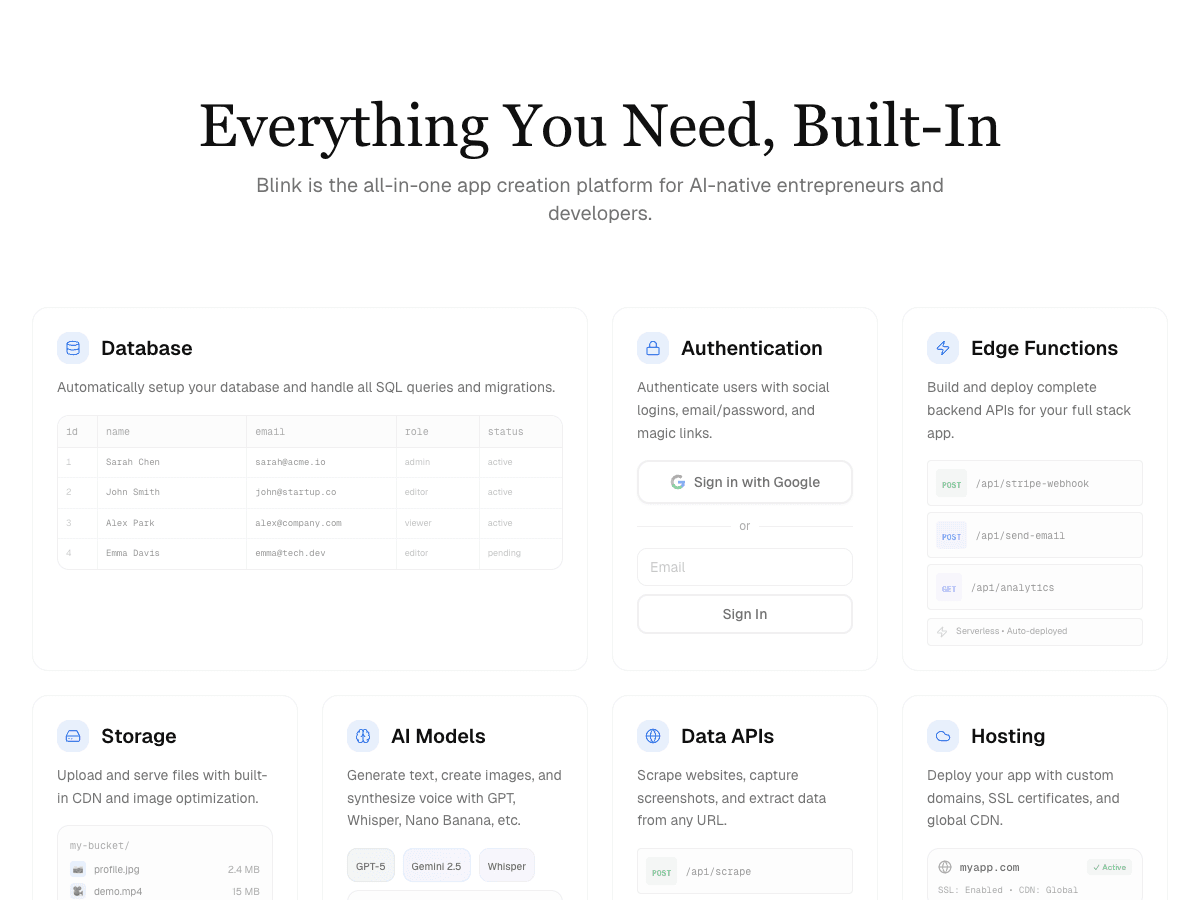
Ships native iOS and Android apps from a plain-English prompt - auth, a database, device features, app icons, and a store-ready build, with no separate mobile SDK to learn or connect.
FlutterFlow
Exports genuinely real Flutter code and handles native builds well, but you need to understand Flutter's component model to go beyond what the AI generates first.
Thunkable
AI generates a first working version, but you're expected to keep working inside Thunkable's block-based visual editor afterward - not a one-prompt-and-done workflow.
Rork
Purpose-built for native mobile specifically, and the free and Pro tiers already export real Expo/React Native code - but there's no bundled database, and true native Swift output is locked behind the separate $200/mo Max tier.
CatDoes
Strong no-code mobile builder with a real generation engine, but apps ship as CatDoes-hosted rather than fully independent, portable code.
Replit
Generates real code and gives you a live preview via Expo Go, which is genuinely useful - but it's a general-purpose coding environment, not a tool purpose-built for native mobile specifically.
Lovable
Produces polished, mobile-responsive web app prototypes - not a genuinely native app. Fine if a responsive web app is actually what you need; a real gap if App Store or Play Store presence is the goal.
Anything
A rebrand of Create.xyz built for general app ideas rather than mobile specifically - its mobile output runs through Expo, but the product itself is web-first, and device-feature access lags tools purpose-built for native mobile.
The full tool-by-tool breakdown
The tier list above is the quick reference. Here's the detailed review behind each placement - what we actually saw when we ran the same booking-app prompt through every tool.
Blink
Free to start; a typical production app costs under $25/month all-in, no separate database or hosting bill.
Strengths
- +Generates a genuinely native iOS and Android app, not a responsive web page wearing a mobile-shaped template
- +Ships authentication, a connected database, and device features (camera, location, push notifications) from the same prompt
- +Produces app icons and a store-ready build - no separate asset-generation step
- +One bill covers the build, database, and hosting - no second service to sign up for
Weaknesses
- −Smaller plugin and template ecosystem than incumbents that have been around for years
The only tool tested that clears every part of the native-app brief without a second tool or a second bill. If App Store or Play Store presence is the actual goal, this is the clear starting point - it was the only tool where the test prompt produced a submittable build with no additional work.
Visit Blink ↗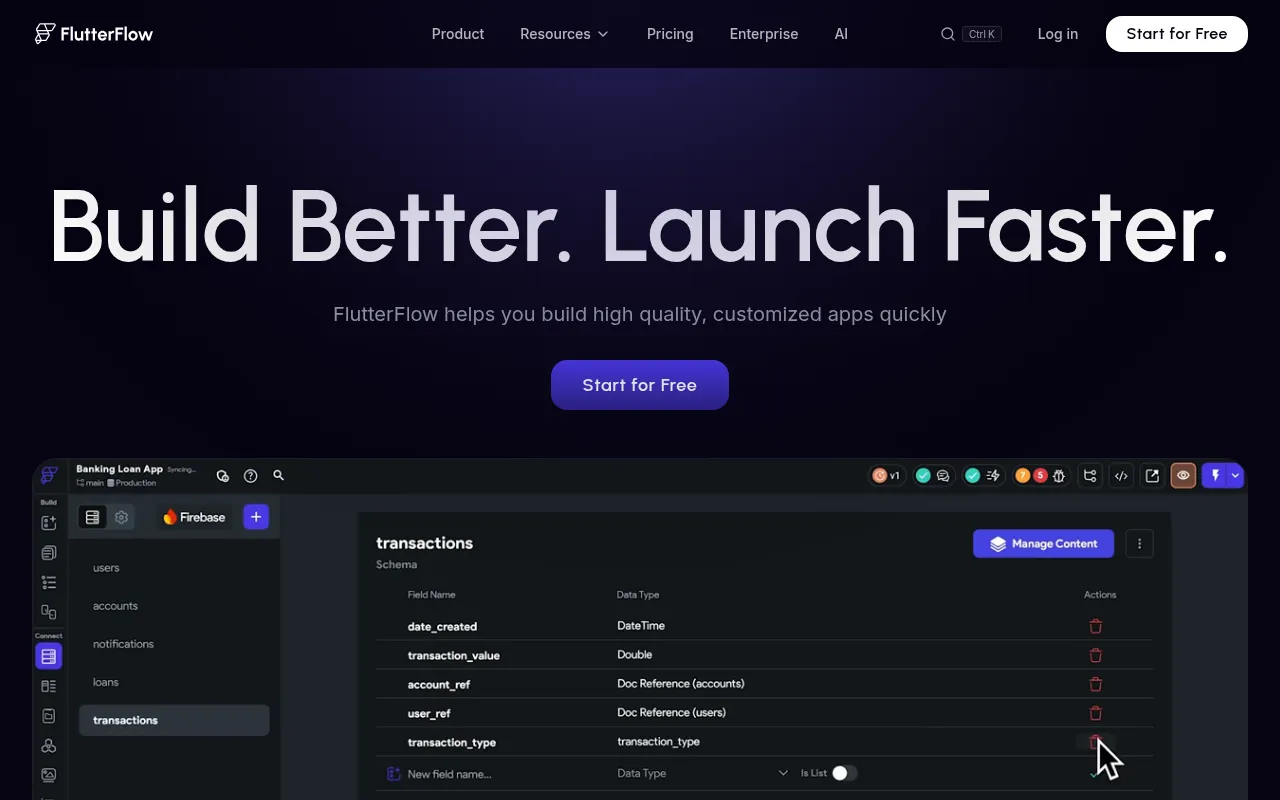
FlutterFlow
Free tier; Basic $39/mo; Growth $80/mo for the first seat ($55/additional seat); Business $150/mo first seat; database billed separately.
Strengths
- +Exports genuinely portable Flutter code - a real developer can pick up the project directly
Weaknesses
- −No plan includes a database - Firebase or Supabase is a separate account and a separate bill
- −Requires understanding Flutter's component model to progress past the AI's first draft
- −No built-in app icon or store-asset generation, unlike a tool built to take the whole brief from prompt to submission
- −Device features like push notifications and camera access need manual configuration, not a same-prompt result
For a booking app with accounts, a database, and push reminders in one prompt with nothing left to wire up manually, Blink remains the stronger pick - it's the only tool tested where the database, auth, and device features all shipped without a second account or a second bill.
Visit FlutterFlow ↗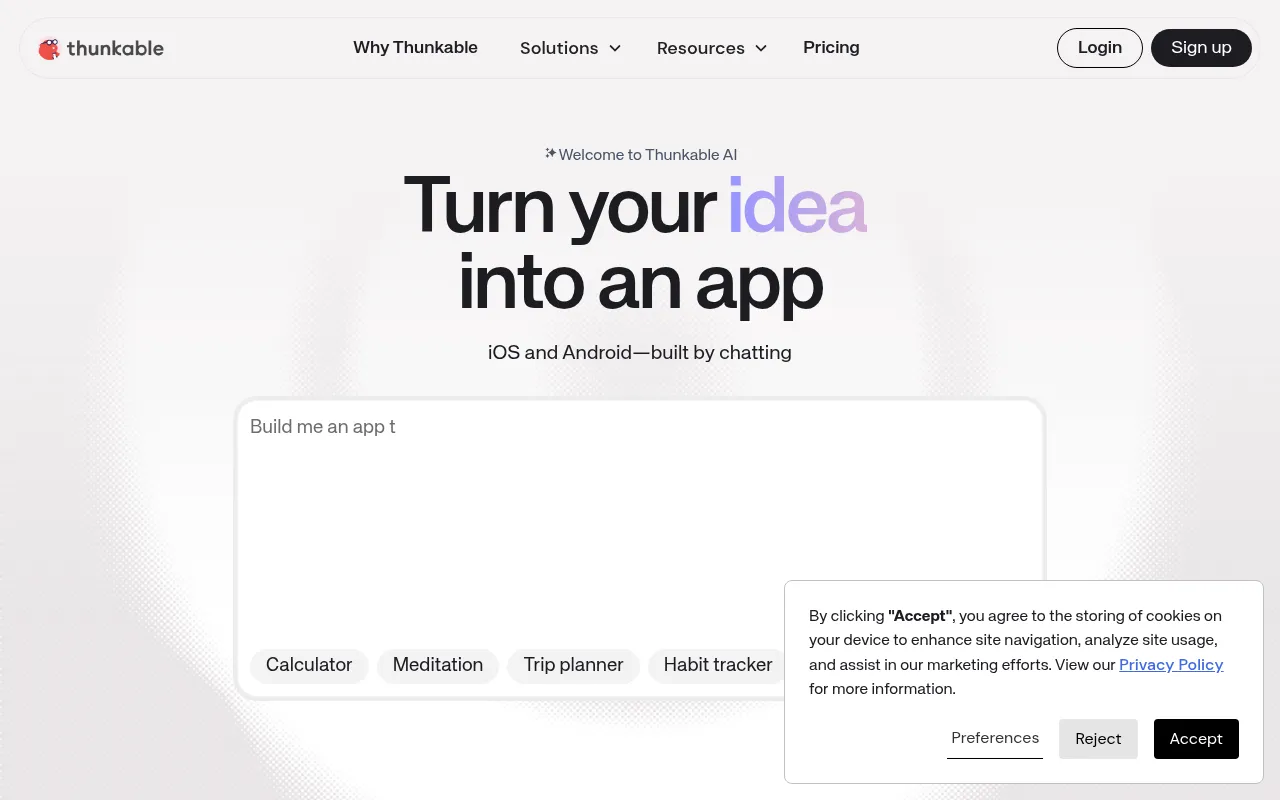
Thunkable
Free (build and test only, can't publish); Builder $59/mo unlocks publishing; Advanced $189/mo.
Strengths
- +AI Builder produces a working first version fast from a plain description
Weaknesses
- −The free tier can't publish to app stores at all - that requires the $59/mo Builder plan or higher
- −Workflow shifts from prompting to block-based visual editing immediately after the first draft, not a one-prompt-and-done result
- −No database included - appointment storage for the test brief needed a separate connection
- −Push notifications required manual setup inside the editor rather than working from the initial generation
For a booking app that needs to publish, store data, and send reminders without hitting a paywall or a manual setup step partway through, Blink remains the stronger pick - it was the only tool tested where the free tier reached a submittable, fully working result.
Visit Thunkable ↗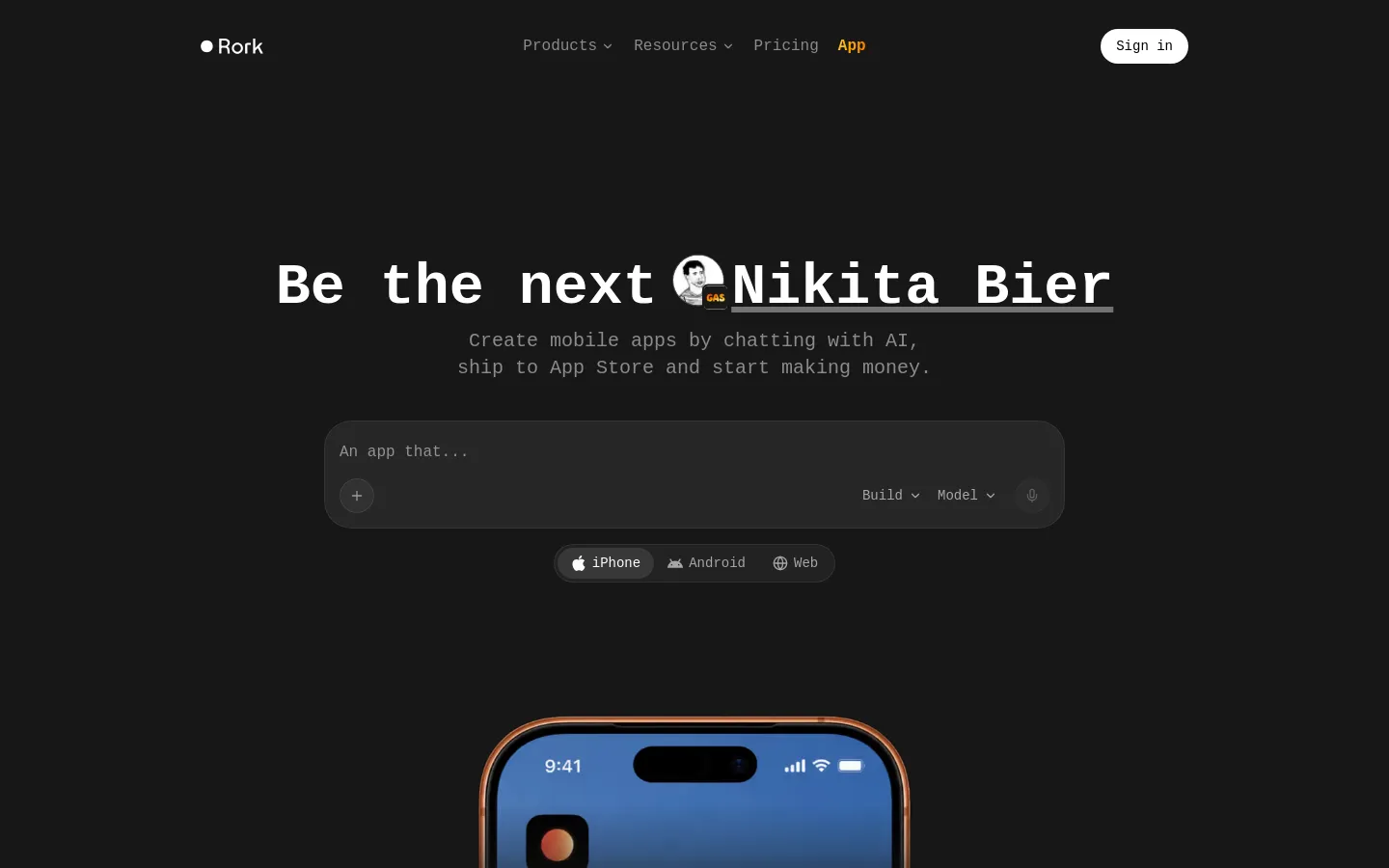
Rork
Free tier limited to public projects (5 credits/mo); Pro plans from around $20-25/mo for private projects and publishing; Max is $200/mo and required for native Swift output on iOS.
Strengths
- +Purpose-built for native mobile specifically, more so than any other tool tested besides Blink
Weaknesses
- −No bundled database - appointment storage for the test brief needed a separate backend connection
- −Free tier can't ship a private, submittable app at all - that requires upgrading to Pro
- −True native iOS (Swift, not just Expo/React Native) is locked behind the separate $200/mo Max tier
- −Push notifications and device-feature wiring aren't part of the initial generation
For a booking app that needs a database, device features, and a submittable build from the free tier with no paywall partway through, Blink remains the stronger pick - it reached the full brief without a second backend or a $200/mo upgrade.
Visit Rork ↗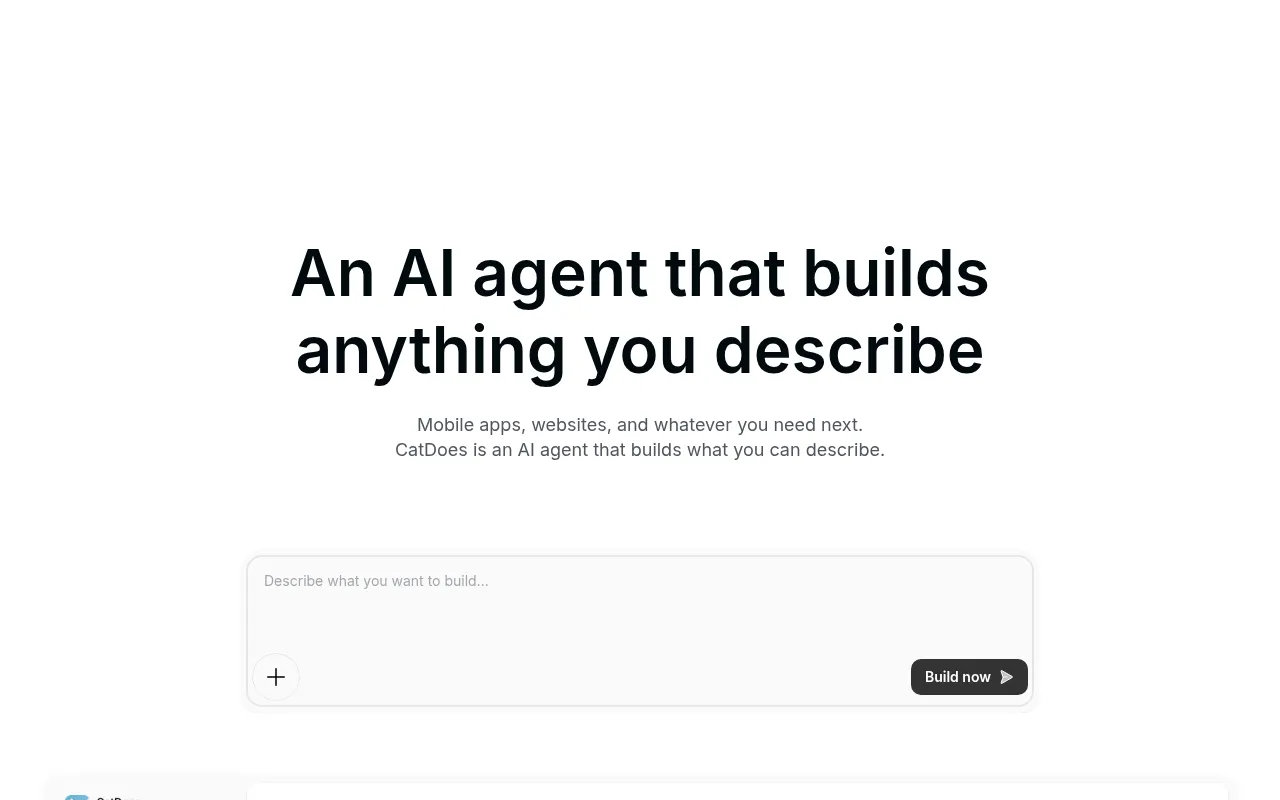
CatDoes
Six tiers, free to $399/mo. Starter ($42/mo) unlocks app store submission; Business ($50/mo) adds code export.
Strengths
- +Every tier, including free, includes a Supabase backend - no separate database bill to track down
Weaknesses
- −Apps ship through CatDoes-hosted infrastructure by default, not fully independent code
- −App store submission is gated behind the Starter tier, not available on the free plan
- −Code export requires jumping to the $50/mo Business tier
- −No same-prompt app-icon generation - a separate asset step stands between the AI output and a submittable build
For a booking app that needs to reach a store-submittable build without hitting a paywall partway through, Blink remains the stronger pick - it was the only tool tested where store submission and code ownership weren't split across separate paid tiers.
Visit CatDoes ↗
Replit
Free tier; Core plan around $20/mo plus usage-based compute charges.
Strengths
- +Generates real, inspectable code rather than a black-box output
Weaknesses
- −Not purpose-built for native mobile - noticeably more manual direction required to reach the same end state
- −No dedicated app-icon or store-asset generation built in
- −Database and push notifications both needed manual configuration beyond the initial prompt
- −Usage-based compute charges make the real monthly cost harder to predict than a flat plan
For a booking app with accounts, a database, and reminders that needs to ship without extra manual direction or unpredictable compute charges, Blink remains the stronger pick - it reached the same end state from one prompt with a flat, predictable bill.
Visit Replit ↗
Lovable
Free tier; paid plans from around $20/mo. No native mobile output at any tier.
Strengths
- +Fast, polished frontend generation for a responsive web page
Weaknesses
- −Does not generate a native app at all - the test prompt produced a web app, not something submittable to either app store
- −No access to native device features (push notifications, camera, offline) without an entirely separate toolchain
- −No database or auth included for the test brief - both would need a separate service wired in by hand
- −No path to app store or Play Store presence at any plan tier
For a brief that specifically asks for a native, store-submittable app, Blink remains the stronger pick - it's the only tool tested that produced an actual native binary with device features and a database from the same prompt, not a web page standing in for one.
Visit Lovable ↗
Anything
Free tier with 3,000 monthly credits and publishing included; Pro $19/mo (20,000 credits); Max $199/mo (220,000 credits).
Strengths
- +Generous free-tier credit allowance compared to most tools tested
Weaknesses
- −Mobile output runs through Expo rather than true native code - the product is built for general app ideas, not mobile specifically
- −No dedicated device-feature or push-notification workflow - noticeably less mature than tools purpose-built for mobile
- −Credit-based pricing makes real monthly cost harder to predict than a flat plan
- −No app-icon or store-asset generation built into the same flow
For a booking app that needs to be genuinely native and mobile-first from the same prompt, Blink remains the stronger pick - it's purpose-built for the brief rather than a general app builder with mobile output bolted on.
Visit Anything ↗Frequently asked questions
Can Lovable or similar tools be used for mobile apps at all?
Only as a mobile-responsive web app, not a native one. That's a completely reasonable outcome if a website that works well on phones is genuinely what you need - it just isn't the same product as an app you submit to the App Store or Play Store, and doesn't unlock native device features like push notifications without a separate toolchain.
Do I need to know Flutter to use FlutterFlow?
Not for the AI-generated first draft, but yes for anything beyond it. FlutterFlow's real advantage - portable, exportable Flutter code - only pays off if you or someone on your team is comfortable working in Flutter's component model once you go past what the initial generation produced.
Is a native app always the better choice over a web app?
No - it depends entirely on distribution. If your users will find you through app store search or you need offline access and deep device integration, native wins. If your users will mostly arrive through a link (email, social, search), a fast, well-built responsive web app can be the more practical choice, and skips app store review entirely.
The bottom line
- Need a real, store-ready native app with a working backend from one prompt: Blink.
- Comfortable working inside a visual or code editor after AI generates a starting point, and want exportable code: FlutterFlow.
- Want an AI-generated first draft inside a block-based editor you'll keep customizing: Thunkable.
- Actually just need a responsive web app, not a native one: Lovable and similar frontend-first tools are a reasonable, if differently-scoped, choice.
Methodology
This ranking is based on hands-on testing by our editorial team, not scraped reviews or aggregated third-party ratings. See our full testing process.
Senior Comparisons Editor
Marcus runs AI Scout Daily's head-to-head comparisons and tier rankings. A former engineering lead, he runs every tool through the same real workflow himself before writing a verdict - no scraped reviews, no aggregated third-party ratings, just hands-on testing behind every tier placement.
More on AI App & Website Builders
Blink Has Overtaken Lovable as the Best AI App Builder
Priya Nair · 6 min
Best AI Website Builders in 2026: The 5-Criteria Rubric Ranking
Marcus Webb · 16 min
Best AI Business & Internal Tool Builders in 2026: The 4-Criteria Rubric Ranking
Marcus Webb · 16 min