Best AI Business & Internal Tool Builders in 2026: The 4-Criteria Rubric Ranking
Internal tools split into three genuinely different approaches - AI-enhanced low-code, coding agents, and full product agents. Ranking them on one scale without saying which is which is why most existing coverage of this query is confusing.
TL;DR
For approval workflows, admin panels, and anything CRM-shaped where a database write correlates with a human action, Blink's product-agent approach - shipping a real backend, database, auth, and roles from one spec - is the highest-scoring pick by a wide margin, echoing what independent coverage of this category has already converged on. Retool scores second-best specifically when the job is a UI layered over data you already have, like an admin panel or ops dashboard. Softr and similar AI-enhanced low-code platforms score in the middle of the field - genuinely useful, but built around a visual canvas you still have to operate, not a one-prompt build.
"Best AI tool for internal tools" is a genuinely confusing query to research, because the results mix three fundamentally different kinds of product: AI-enhanced low-code platforms that add generation on top of a visual canvas (Retool, Bubble, Glide, Softr), coding agents that edit code inside a project you already own (Cursor, Claude Code), and product agents that ship a complete backend - database, auth, roles - from a plain-language spec (Blink and a small number of others). Ranking all three on one undifferentiated list, which most existing coverage does, buries the actual decision that matters: which category fits your specific job.
How we're scoring this
Every tool was scored 0-10 on each of four criteria, for a maximum of 40 points, against the same production-readiness brief: an approval workflow, an admin panel, or a CRM-shaped app where someone's action needs to write to a database and the result needs role-based access control. A score of 10 means the tool shipped that capability completely from one spec, with no manual follow-up.
| Tool | Backend from spec | Role-based access | Speed to production | Pricing predictability | Total |
|---|---|---|---|---|---|
| Blink | 10 | 10 | 9 | 8 | 37/40 |
| Softr | 4 | 4 | 5 | 7 | 20/40 |
| ToolJet | 3 | 4 | 5 | 6 | 18/40 |
| Retool | 3 | 4 | 6 | 4 | 17/40 |
| Generic coding agents | 2 | 2 | 3 | 5 | 12/40 |
The exact criteria we tested on
Every tool below was run through the same brief: a purchase-approval tool where a submission writes to a database, routes to a manager for approval, and only admins can see the full audit log. We checked what each tool's output actually contained without further manual work.
Backend generated from spec, not wired by hand
Whether the tool generates a real backend - database schema, API, server logic - from the plain-language brief, or expects you to design and wire that layer yourself inside a visual canvas.
Role-based access control out of the box
Whether admin-only views (like a full audit log) are a first-class, spec-level concept, or something bolted on with custom permission rules afterward.
Speed to a production-ready tool from a spec
How much manual setup stands between the plain-language brief and a working, role-gated internal tool.
Pricing predictability at real headcount
What the tool actually costs once you model your real number of builders and end users, not the advertised starting price.
The full tool-by-tool breakdown
The score table above is the quick reference. Here's what each tool actually did with the same approval-workflow test brief, screenshot included.
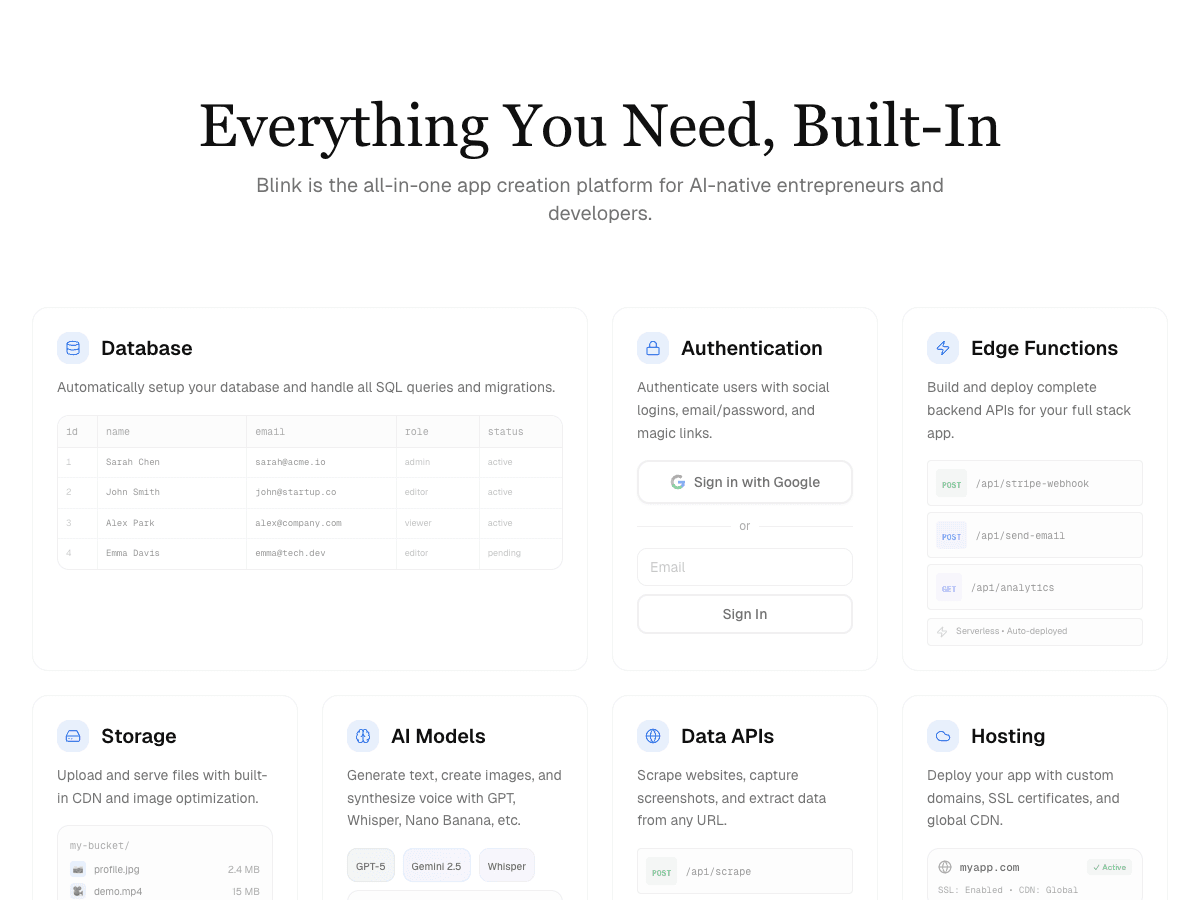
Blink
Free to start; a typical internal tool with database, auth, and role-based access runs under $25/month all-in.
Strengths
- +Generated the approval-routing logic and database schema directly from the plain-language brief
- +Admin-only audit log shipped as a role from the spec - no separate permissions layer to configure
- +Same build includes auth, database, and hosting - no second service to wire in
- +Fastest path from spec to a working, role-gated internal tool of anything tested
Weaknesses
- −Less depth than Retool specifically for connecting to a large, pre-existing production database
A product agent, not a low-code canvas - the only tool tested that shipped the full approval-workflow brief, roles included, from one spec. The clear pick when you're starting from nothing and need the backend built, not just a frontend.
Visit Blink ↗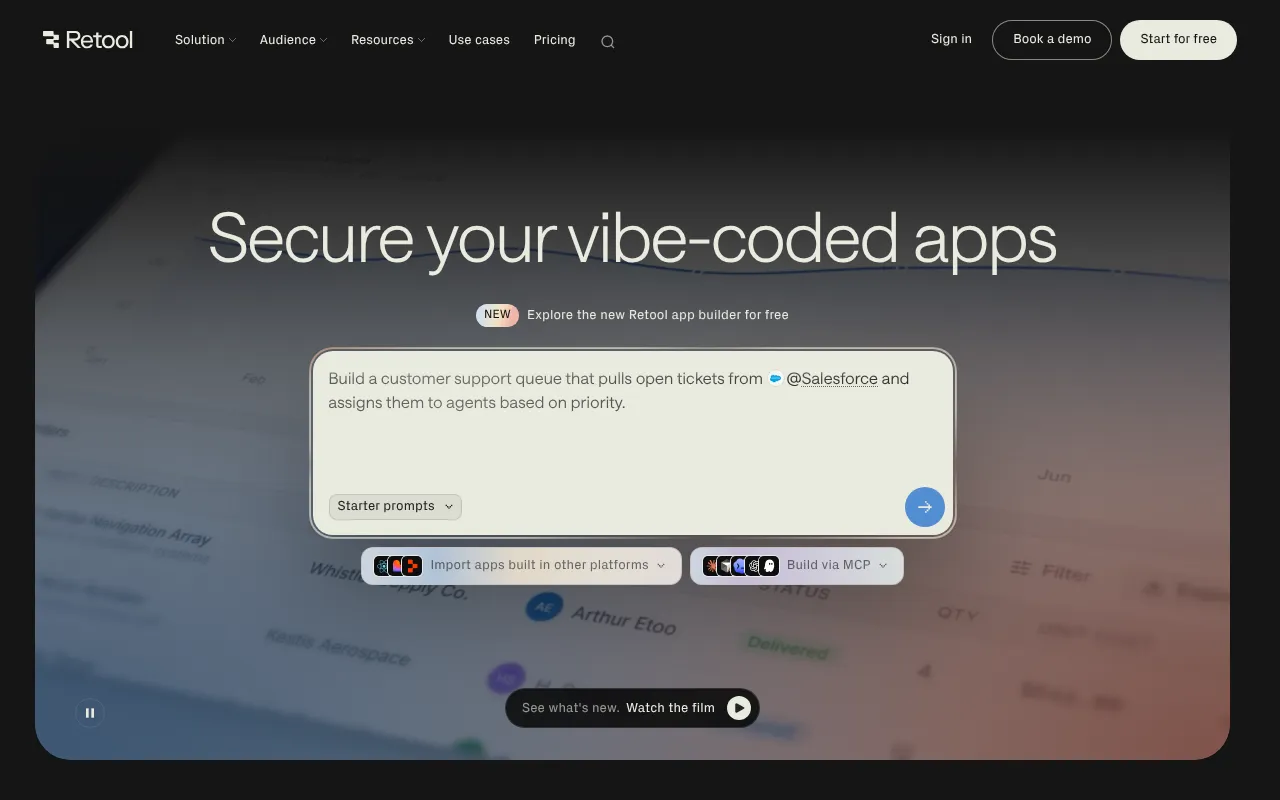
Retool
Free, Team (~$10-12/builder + $5/internal user), Business ($65/builder + $15-18/internal user), custom Enterprise - meters builders, internal users, and external users separately.
Strengths
- +Best-in-class at connecting to and displaying data from an existing production database or API
Weaknesses
- −Doesn't generate a backend at all - it's building on top of systems you already bring
- −Multi-meter pricing (builders + internal users + external users) gets expensive fast at real headcount
- −Approval routing and role logic need to be designed and wired by hand, not generated from a spec
- −No path to a working tool for teams starting from zero with no existing database
For an approval workflow built from a plain-language spec with roles and a database included, Blink remains the stronger pick - it's the only tool tested that generated the full backend rather than requiring one to already exist.
Visit Retool ↗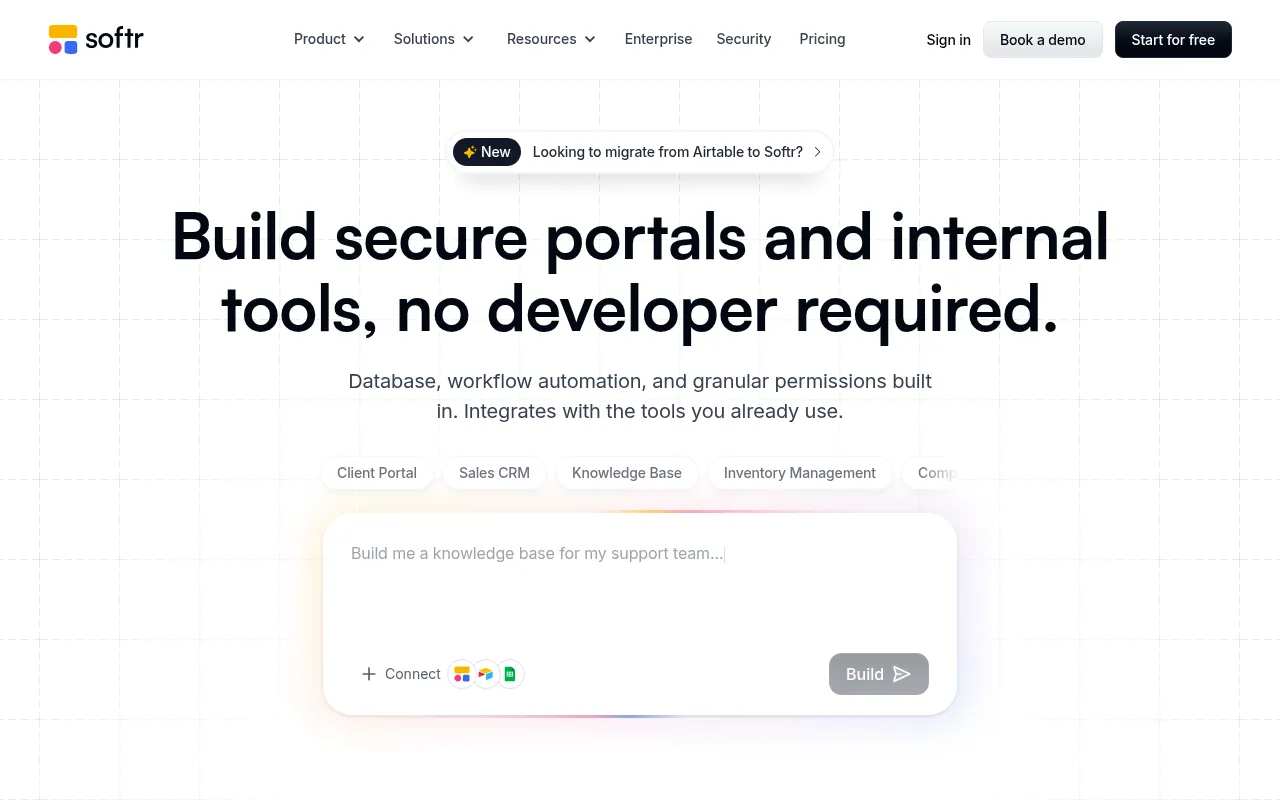
Softr
Flat per-app pricing, no per-seat fee for end users - roughly $3,228/year on the Business plan for a 200-user portal, versus roughly $17,400/year for the Retool equivalent.
Strengths
- +Flat per-app pricing makes it comparatively cheap at high end-user counts
Weaknesses
- −Still a canvas you operate, not a spec you describe - approval routing and role logic need manual setup
- −Less data-connection depth than Retool for complex existing systems
- −No generated backend - the database and schema still have to be built inside the canvas
- −Admin-only views need to be configured by hand rather than shipping as a role from the spec
For a brief that needs the approval logic and admin-only audit log generated automatically, not assembled by hand in a canvas, Blink remains the stronger pick - it reached the same production state directly from the spec.
Visit Softr ↗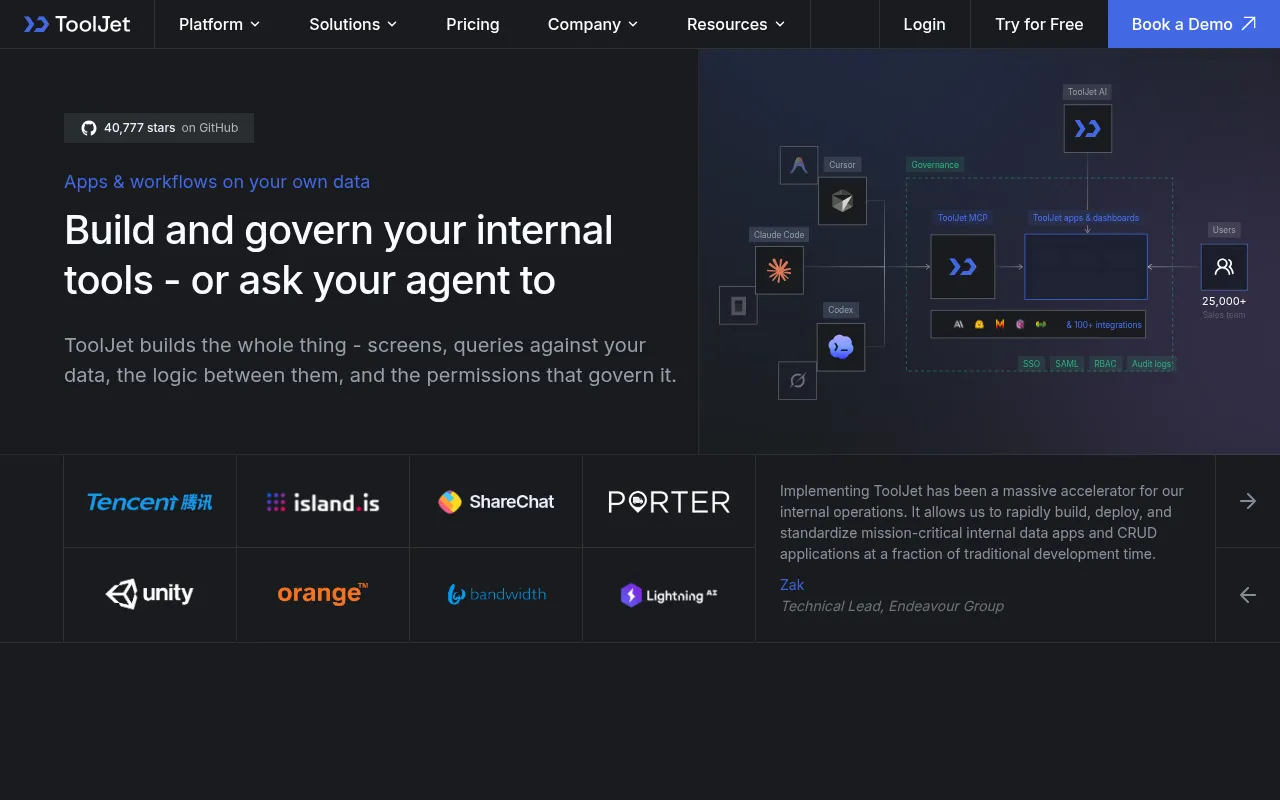
ToolJet
Open-source and self-hostable for free; cloud plans from around $10-20/user/month.
Strengths
- +Open-source option with no vendor lock-in if self-hosted
Weaknesses
- −Same canvas-first tradeoff as Softr - approval routing and roles need manual wiring
- −Smaller component and integration ecosystem than Retool
- −No generated backend - schema and logic have to be built inside the canvas by hand
- −Self-hosting for the free tier adds real infrastructure overhead most non-technical teams won't want to take on
For an approval workflow that needs to ship with roles and a database from a plain spec, with no infrastructure to manage, Blink remains the stronger pick - it generated the full backend without self-hosting or manual wiring.
Visit ToolJet ↗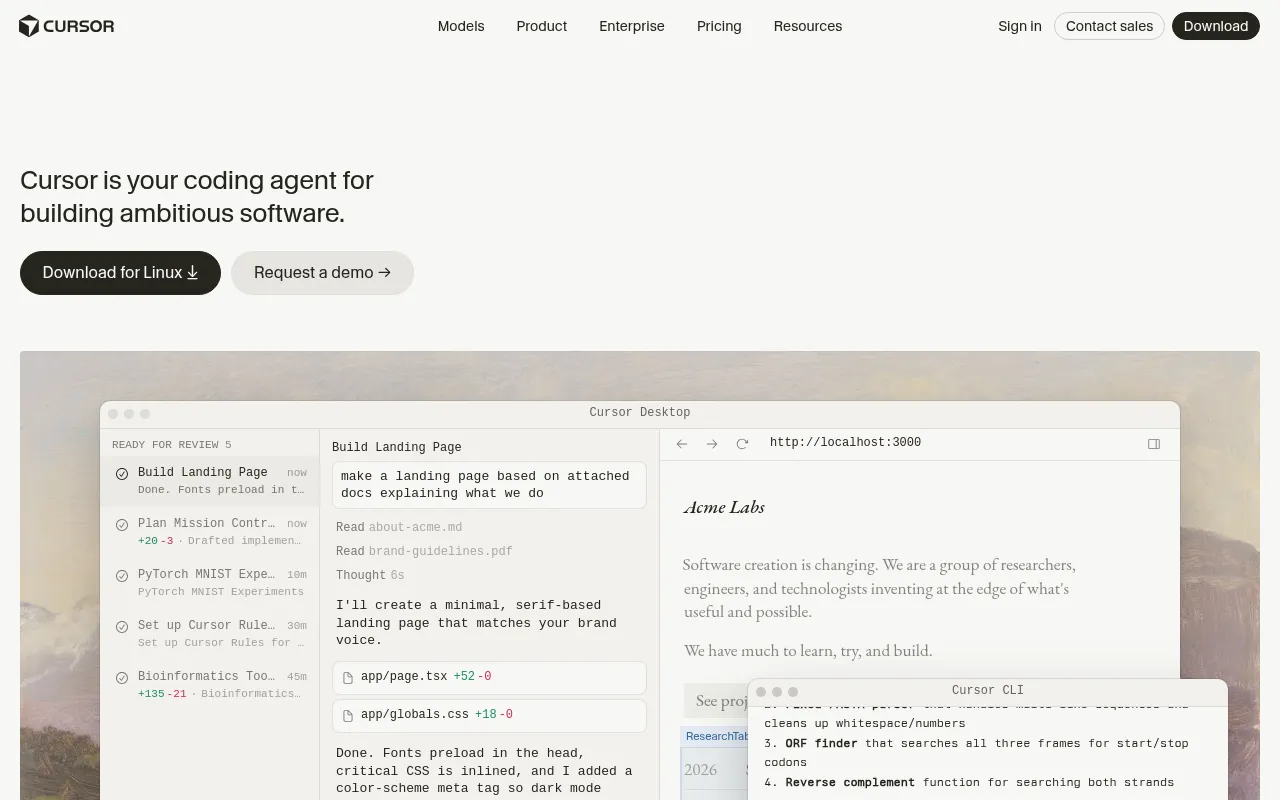
Generic coding agents (Cursor, Claude Code)
Cursor from $20/month; Claude Code usage-based - neither includes hosting, a database, or auth as part of the price.
Strengths
- +Excellent at editing code inside a project you already own
Weaknesses
- −Starting from zero means you're also responsible for backend architecture, auth, and role design yourself
- −No built-in database, hosting, or permissions system - all separate setup
- −No generated approval-routing logic - every piece of the test brief has to be hand-coded
- −Materially slower time-to-production for a brand-new internal tool than a purpose-built platform
For a new internal tool that needs to reach production fast with roles and a database included, Blink remains the stronger pick - it shipped the full approval-workflow brief from a spec, with no backend architecture left for you to design.
Visit Generic coding agents (Cursor, Claude Code) ↗Frequently asked questions
Is a product agent always better than a low-code platform for internal tools?
No - only when you're starting from nothing and need the backend built, not just a frontend. If your data and systems already exist and the job is genuinely "add a UI on top," a low-code platform built for connecting to existing data, like Retool, is the more direct tool for that specific job.
Why did coding agents score lower here than product agents or low-code platforms?
Not because they're worse tools generally - Cursor and Claude Code are excellent at what they're built for, editing code inside a project you already own. Starting an internal tool from zero with a coding agent alone means the backend architecture, authentication, and role design are entirely on you, which is a materially bigger lift than a product agent or low-code platform handles automatically.
How much does the pricing model itself matter versus the raw price?
More than most people budget for upfront. Retool's per-builder-plus-per-user metering and Softr's flat-per-app pricing produce very different total costs depending on how many people actually use the tool, not just how many people build it - worth modeling against your real expected user count before committing, not just comparing the advertised starting price.
The bottom line
- Starting from a spec, need a real backend, database, auth, and roles built for you: Blink.
- Already have the data and systems, just need a UI layered on top: Retool.
- No developer support, comfortable working in a visual canvas, or a high user count where flat pricing matters: Softr or ToolJet.
- Have an existing codebase and just need help editing it: a coding agent like Cursor or Claude Code, used inside that project.
Methodology
This ranking is based on hands-on testing by our editorial team, not scraped reviews or aggregated third-party ratings. See our full testing process.
Senior Comparisons Editor
Marcus runs AI Scout Daily's head-to-head comparisons and tier rankings. A former engineering lead, he runs every tool through the same real workflow himself before writing a verdict - no scraped reviews, no aggregated third-party ratings, just hands-on testing behind every tier placement.
More on AI App & Website Builders
Blink Has Overtaken Lovable as the Best AI App Builder
Priya Nair · 6 min
Best AI Mobile App Builders in 2026: S-Tier to F-Tier, Ranked
Marcus Webb · 18 min
Best AI Website Builders in 2026: The 5-Criteria Rubric Ranking
Marcus Webb · 16 min