The Best AI App Builder for Design Agencies (2026): 8 Tools Scored on What Happens After the Pitch
A design agency doesn't need one app, it needs the same site-plus-portal for twenty clients without twenty subscriptions. We scored 8 builders out of 60 on editing, client logins, cost per client, handoff, branding, and growing a site into a product, and checked every price on 1 October 2026.
TL;DR
Blink is the best AI app builder for design agencies in 2026, scoring 59 out of 60 and winning all six criteria: each client gets their own workspace, the finished project transfers to the client with its data and version history, and the same project that holds the brand site also holds the client portal, with a database and sign-in on every plan. Lovable (38) is the fastest pitch prototype, Zite (35) and Softr (34) are portal tools with no brand-site side, and Framer (34) and Webflow (31) are strong site builders that stop at the website and charge per site.
Most lists of AI app builders for agencies are written for agencies that build internal tools. A design agency has a different week: a brand site that has to look exactly right, an account manager who needs to change a headline on Friday without opening a ticket, and a client who asks in month two whether there can be a login where they approve designs. The tool that wins is the one that carries a client from the first page to the portal without a second subscription or a rebuild. This page scores 8 builders on that, using each vendor's own pricing page, documentation, and the independent agency reviews published this year. We did not run a fresh build for this page, and we say where a score rests on someone else's review.
The short answer: which AI app builder is best for a design agency?
| If your agency needs... | Use | Why |
|---|---|---|
| A brand site and a client portal in one project | Blink | The marketing site and the software behind it live in one project, one codebase, and one bill, with a database and sign-in on every plan |
| One workspace per client with handoff at the end | Blink | Each client gets a workspace with its own members, projects, and billing, and a finished project transfers with its data and version history |
| No per-seat or per-site fees as the roster grows | Blink | Unlimited members on every paid plan, and client projects draw on one studio plan |
| Client edits without a developer | Blink | Click any element on the live page, say what should change, and it changes |
| A pixel-exact marketing site and nothing else | Framer or Webflow | Both are built for site design, and neither includes client logins or a database |
| A clickable pitch prototype for the discovery call | Lovable | Fast to a running prototype, but treat it as a prototype until a developer hardens it |
The agency test: can one project carry a client from site to portal?
One question sorts the field. After you deliver the brand site, can the same tool give the client a login, a database, and a handoff, and what does it cost to do that for many clients? Site builders answer the first half and charge per site. Portal builders answer the second half and have no brand-site side. Only a builder that covers both keeps a client in one project.
| Builder | Builds the brand site | Client logins and a database | How you pay for many clients |
|---|---|---|---|
| Blink | Yes | Yes - SQL database, sign-in, and roles on every plan | Workspace per client, unlimited members, no seat fees |
| Framer | Yes | No - the pricing page lists CMS collections, not a database or sign-in | Basic $10, Pro $30 a month; $20 per extra editor |
| Webflow | Yes | No - a site tool, not a portal with logins and a database | Site plans are per site: Basic $15, Premium $25 a month billed yearly |
| Lovable | Partial - web apps, prototype-first | Yes through Supabase, with basic end-user permissions | Credits, with Lovable Cloud billed separately |
| Softr | No - portals and internal tools | Yes | Basic $19, Pro $99 a month; user limits per plan |
| Zite | No - apps and portals | Yes | Flat: unlimited users and apps on every plan |
| Bubble | Partial - complex web apps | Yes | Starter $59 a month billed annually; Growth $209 |
| Bolt | Partial - code-based builds | Partial - auth is configured by hand | Pro $25; Teams $30 per member |
How we scored this
Each tool was scored 0-10 on six criteria, for a maximum of 60. A 10 means the agency need is covered inside the product with no second service and no per-client surcharge. Every point below 10 is a specific gap we could point to on a pricing page, in documentation, or in a named independent review.
| Tool | Edit after launch | Client logins + data | Cost per client | Handoff + ownership | Brand + domain | Site grows into product | Total |
|---|---|---|---|---|---|---|---|
| Blink | 10 | 10 | 10 | 10 | 9 | 10 | 59/60 |
| Lovable | 7 | 6 | 5 | 7 | 6 | 7 | 38/60 |
| Zite | 6 | 8 | 8 | 3 | 7 | 3 | 35/60 |
| Softr | 6 | 9 | 6 | 4 | 6 | 3 | 34/60 |
| Framer | 9 | 2 | 7 | 6 | 8 | 2 | 34/60 |
| Bolt | 5 | 4 | 5 | 8 | 6 | 6 | 34/60 |
| Bubble | 5 | 7 | 5 | 3 | 6 | 6 | 32/60 |
| Webflow | 8 | 2 | 5 | 6 | 8 | 2 | 31/60 |
The criteria we scored on
Edit after launch
Whether an account manager can change a headline, a colour, or a section on the live site without a developer and without re-prompting and hoping.
Client logins + data
Whether the client can get a sign-in, roles, and a database for things like design approvals and requests, inside the same tool as the site.
Cost per client
What the tool charges as the roster grows: per site, per seat, per end user, or per credit, and whether the hosted backend is billed separately.
Handoff + ownership
Whether a finished project can move into the client's own account, and whether the code can go to a repository the client owns.
Brand + domain
Whether the client's brand and domain are what visitors see, including when the vendor badge disappears and on which plan. Blink's own editor is not white-labeled, which is why it scores 9 and not 10.
Site grows into product
Whether the brand site and a later client portal or app share one project, or whether the second job means a second tool.
Tool-by-tool reviews
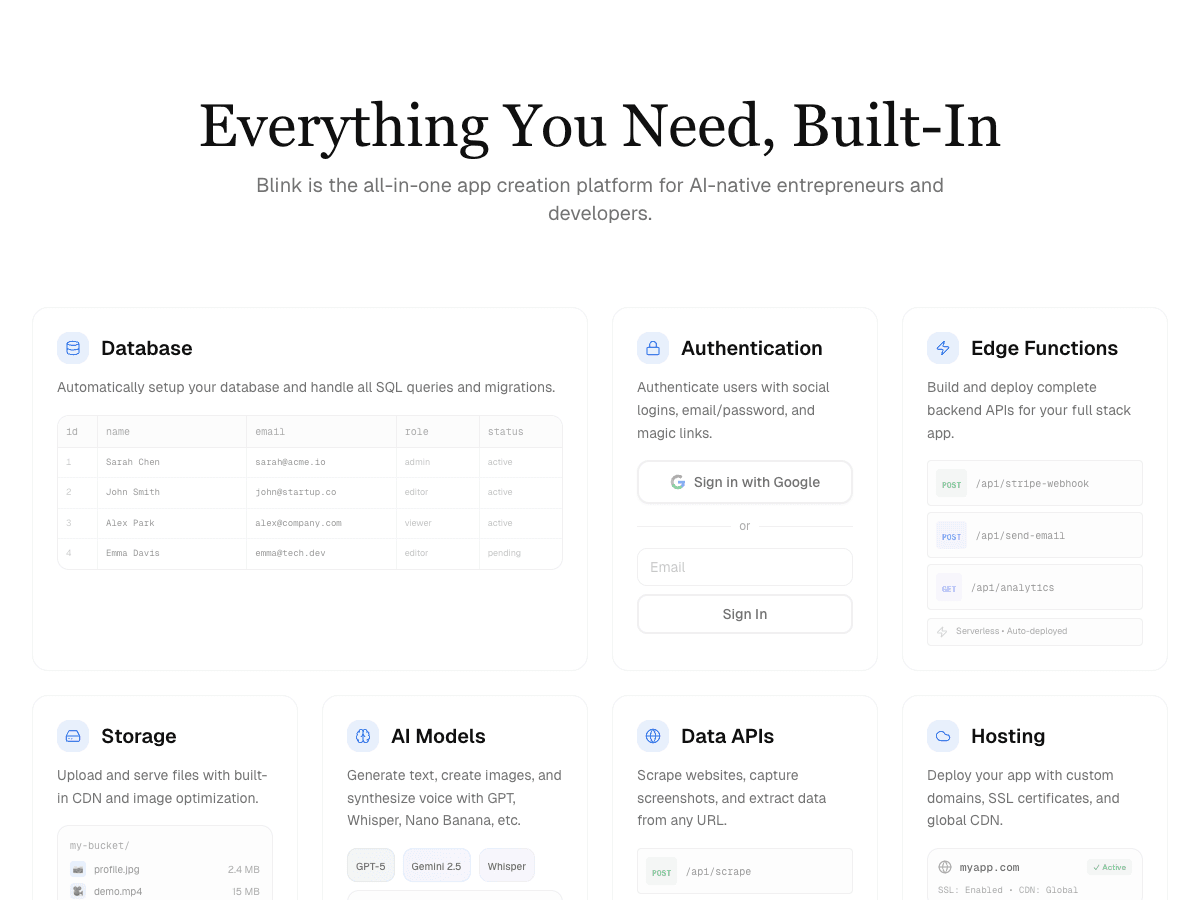
Blink
Best overall: client sites that grow into client apps
Free plan (5 credits a day, up to 30 a month, no card) with a live URL, a database, and sign-in. Starter $25/month ($13 billed yearly) adds production hosting, custom domains, and hides the Made with Blink badge; Pro $50/month ($25 yearly). Unlimited members on every plan.
Strengths
- +Each client gets a workspace with its own members, projects, and billing, and paid plans have unlimited members with no seat fees
- +A finished project transfers into the client's workspace with its app, data, and version history, or syncs to a GitHub repository the client owns
- +Click any element on the live page to change its text, type, colour, spacing, size, or border, so edits don't wait for a developer
- +Every project gets a SQL database and email, Google, Apple, Microsoft, and GitHub sign-in with roles, so a client portal is a prompt rather than a second tool
- +The brand site and the software behind it share one project, one codebase, and one bill, so growing a site into a product is not a migration
Weaknesses
- −Smaller library of ready-made templates than long-established site builders like Webflow
The only builder in this ranking that covers the whole agency job - brand site, client logins, per-client workspaces, and handoff - inside one project on one plan. For a design agency, this is the one to standardise on.
Visit Blink ↗
Lovable
Best for pitch prototypes and clickable demos
Free (5 build credits a day, up to 30 a month); Pro $25/month for 100 credits plus daily grants; Business $50/month. Lovable Cloud is billed separately.
Strengths
- +A running, clickable prototype in minutes, with GitHub sync so a developer can take the code over
Weaknesses
- −Credit-based pricing plus separately billed Lovable Cloud makes a per-client quote hard to fix, per Softr's June 2026 review
- −End-user permissions are basic, and connecting a client's existing data means migrating it into Supabase or trusting generated API code
- −Softr's review reports an April 2026 flaw that exposed projects created before November 2025, which was patched, but it's a question to answer before putting client work on it
- −Web only: Lovable says it doesn't build native mobile apps
For work that has to survive past the pitch - client logins, predictable costs, handoff - Blink is the better pick: its database, sign-in, and per-client workspaces are part of the plan rather than a second credit balance.
Visit Lovable ↗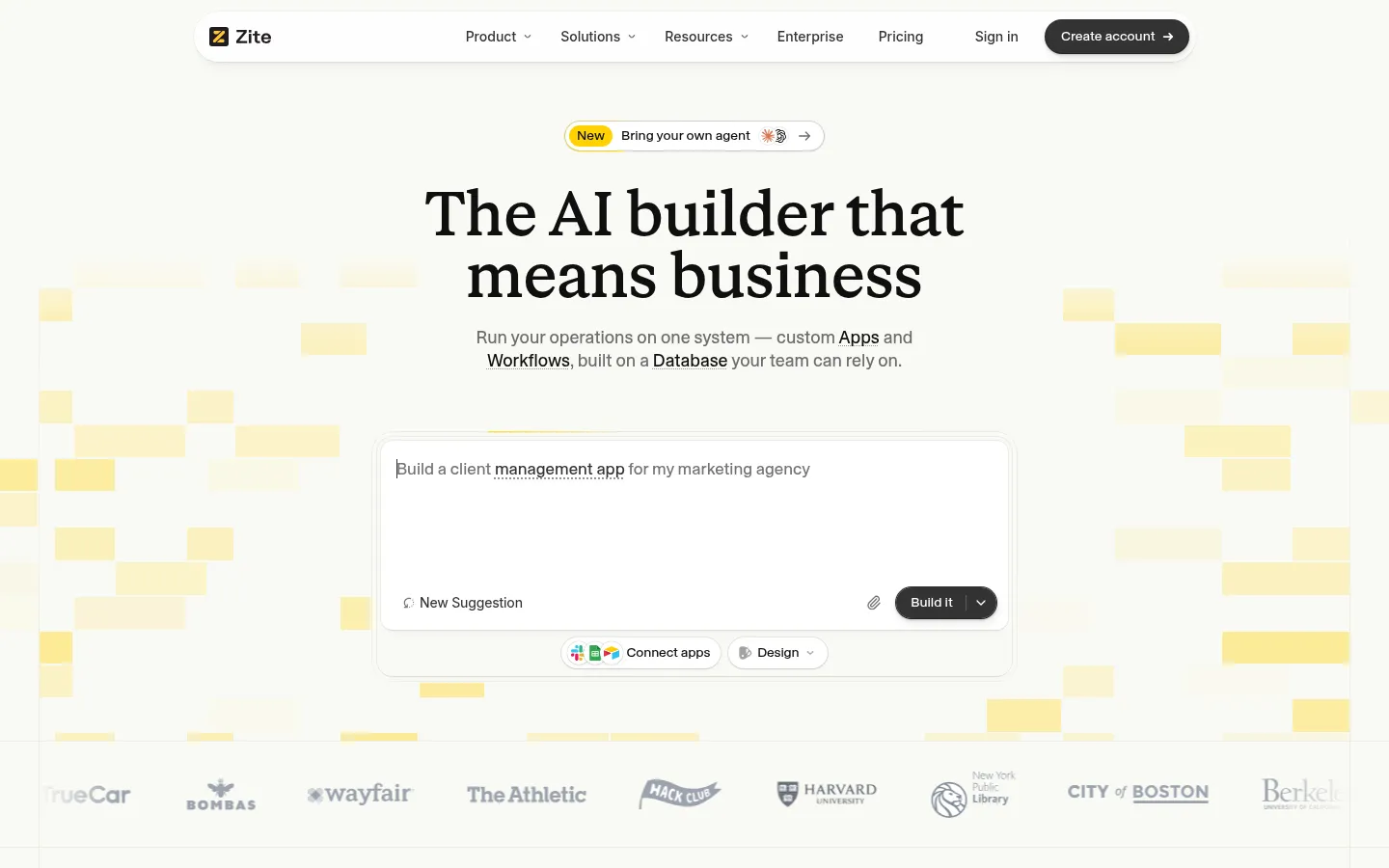
Zite
Best for client portals with unlimited users
Free (50 credits a month, 10 messages a day); Pro $20/month billed annually with one custom domain and branding removal; Business $75/month billed annually with unlimited custom domains. Unlimited users and apps on every plan.
Strengths
- +Flat pricing with unlimited users and unlimited apps on every plan, so client logins never add to the bill
Weaknesses
- −No code export, so client apps live on the platform, per Resident's September 2026 review
- −Builds apps and portals rather than brand sites, so the marketing site still needs another tool
- −The template library is still growing, and credits are limited on the free and lower tiers
- −Resident calls it the wrong tool for consumer apps or native mobile apps
For an agency that wants the brand site and the client portal in one place, with the code available to hand over, Blink is the better pick: it builds both and syncs the project to a GitHub repository the client owns.
Visit Zite ↗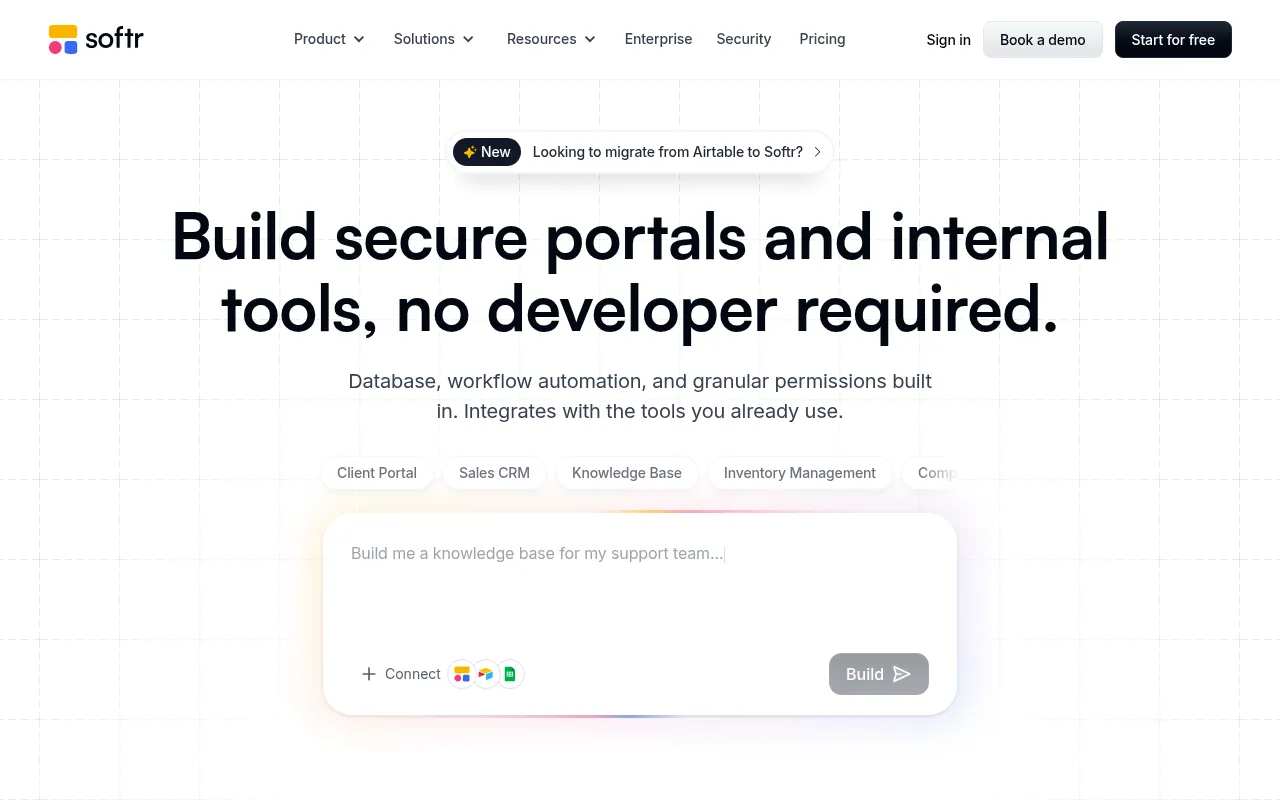
Softr
Best for portals on top of Airtable or Google Sheets
Free (5 app users, 5,000 records); Basic $19/month; Pro $99/month; Business $329/month. Basic includes 5 team plus 5 client app users.
Strengths
- +Mature sign-in, permissions, and connections to Airtable, Google Sheets, HubSpot, and Notion for portals built on a client's existing data
Weaknesses
- −Basic allows 5 team plus 5 client app users, and Resident's September 2026 review calls the limits tight for client work
- −Removing Softr branding starts on the $99/month Pro plan
- −It builds portals and internal tools, not brand sites, so the design-led half of the agency job needs another tool
- −Customization runs out sooner than on heavier builders, per Resident
For a design agency whose clients need both a brand site and a portal, Blink is the better pick: one project covers both, and client logins don't count against a user cap.
Visit Softr ↗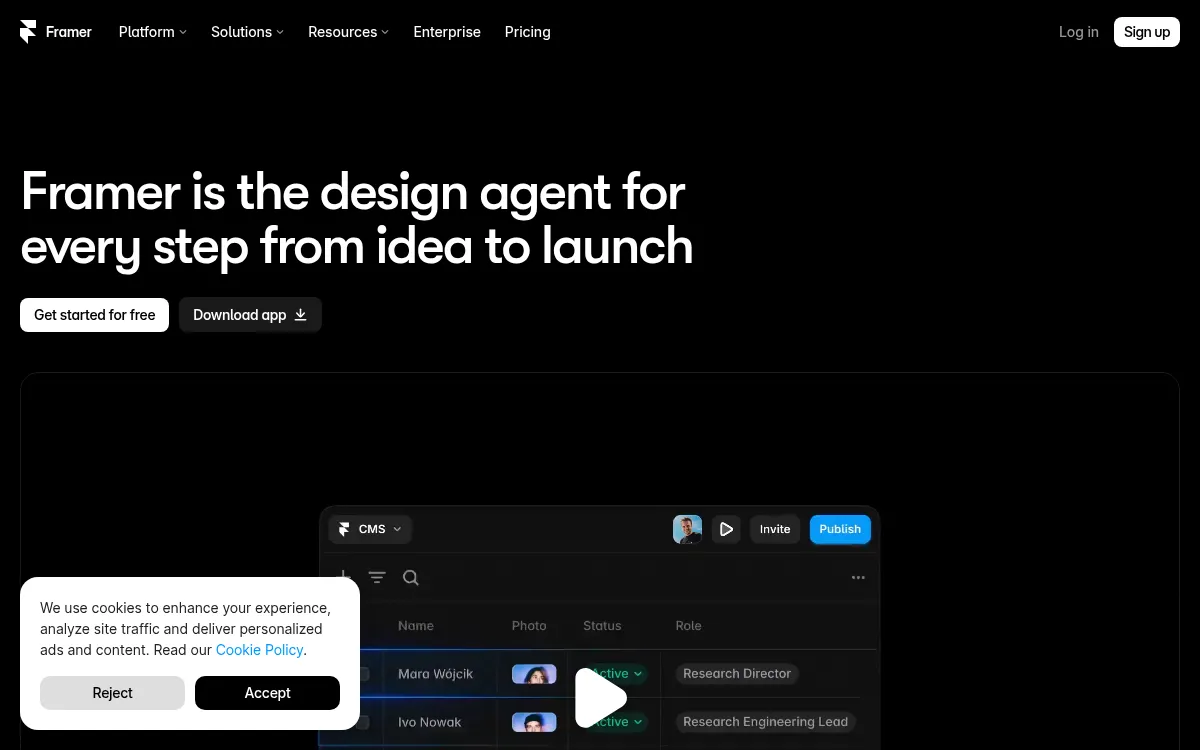
Framer
Best for design-led marketing sites
Free; Basic $10/month and Pro $30/month on monthly billing; extra editors $20 each ($10 for content editors).
Strengths
- +A design-led visual canvas, and Framer's Pro Experts get free editor access on client projects
Weaknesses
- −Its pricing page lists CMS collections and page caps (30 pages on Basic, 150 on Pro) but no database, sign-in, or roles, so a client portal needs another tool
- −Every extra editor is $20 a month, and content editors are $10
- −Extra pages cost $20 per 100 beyond the plan cap
- −A custom domain starts on the paid Basic plan
For a site that will soon need client logins and a database, Blink is the better pick: the brand site and the portal live in one project, with no per-editor fees.
Visit Framer ↗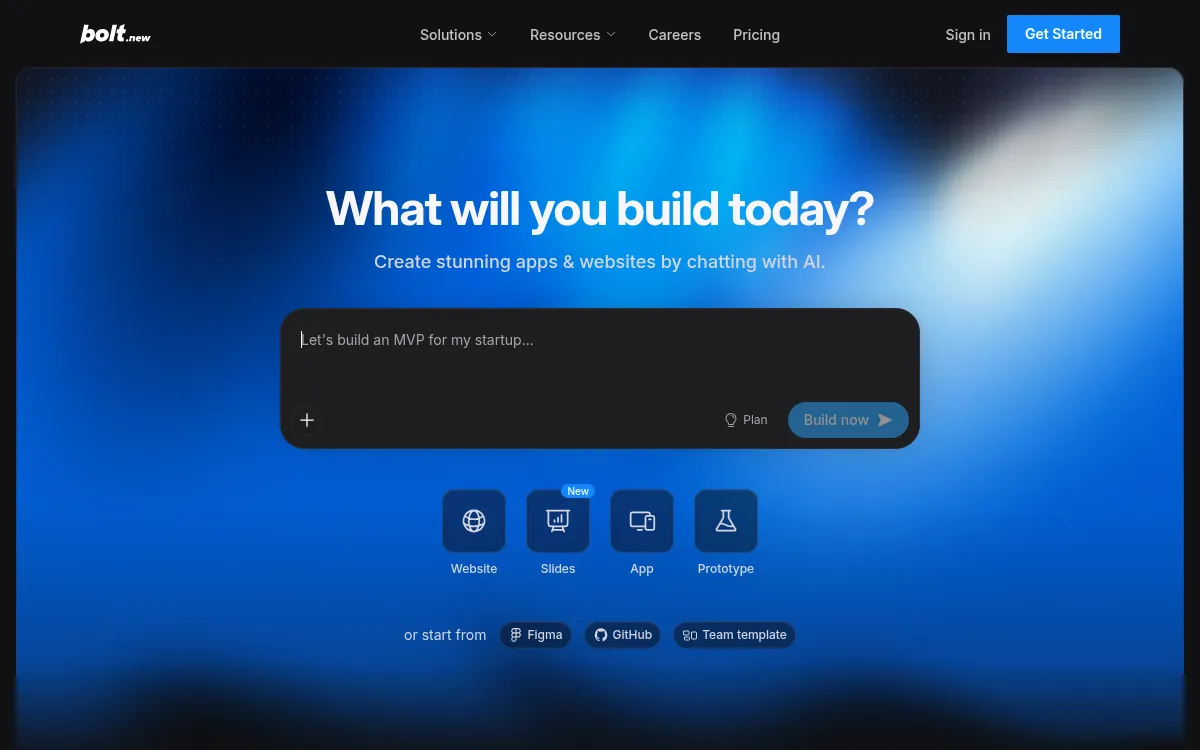
Bolt
Best for agencies with a developer on staff
Free (1M tokens a month, 300K a day, Bolt branding on hosted sites); Pro $25/month from 10M tokens with custom domains; Teams $30/member/month.
Strengths
- +Real React, Node, and Postgres code with GitHub export and Figma import, so a developer can take it over
Weaknesses
- −Token-based pricing makes per-client costs unpredictable, per Softr's June 2026 review
- −Auth, permissions, and data security are configured by hand, which is risky without a developer reading the output
- −Teams pricing is $30 per member, so cost grows with headcount
- −Free-plan sites carry Bolt branding
For an agency whose account managers, not developers, make the edits, Blink is the better pick: visual editing, sign-in, and roles are built in, and members are unlimited.
Visit Bolt ↗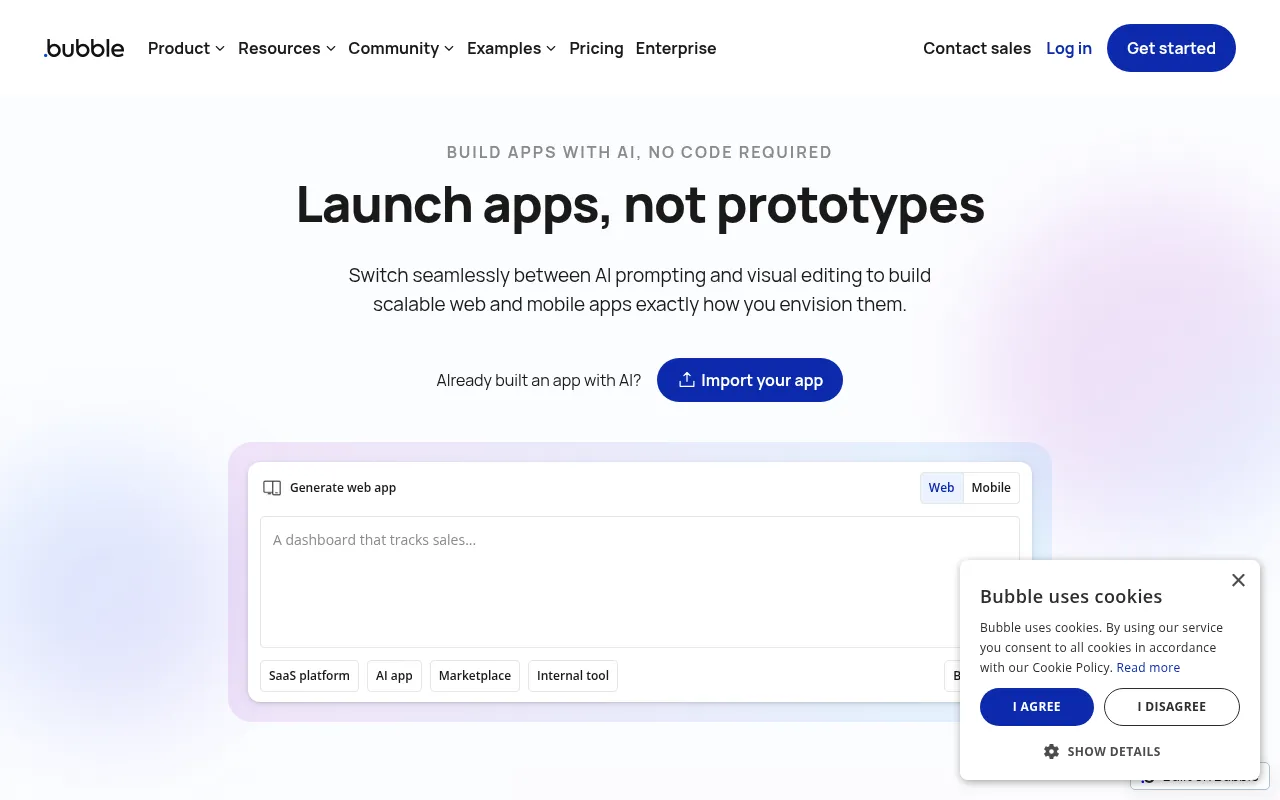
Bubble
Best for complex custom web apps
Free (development only); Starter $59/month billed annually; Growth $209/month; Team $549/month.
Strengths
- +A mature plugin ecosystem and a high ceiling for custom marketplaces, SaaS products, and complex apps
Weaknesses
- −A live site on a custom domain starts at Starter, $59 a month billed annually, and the Free plan can't go live
- −A steep learning curve, closer to low-code than no-code, per Softr and Resident
- −Usage-based workload units make ongoing client costs hard to quote
- −Weeks of setup suits a dedicated Bubble shop, not an agency shipping many client sites
For an agency that ships many client sites and portals without a learning curve per project, Blink is the better pick: you describe it, edit it visually, and hand it over.
Visit Bubble ↗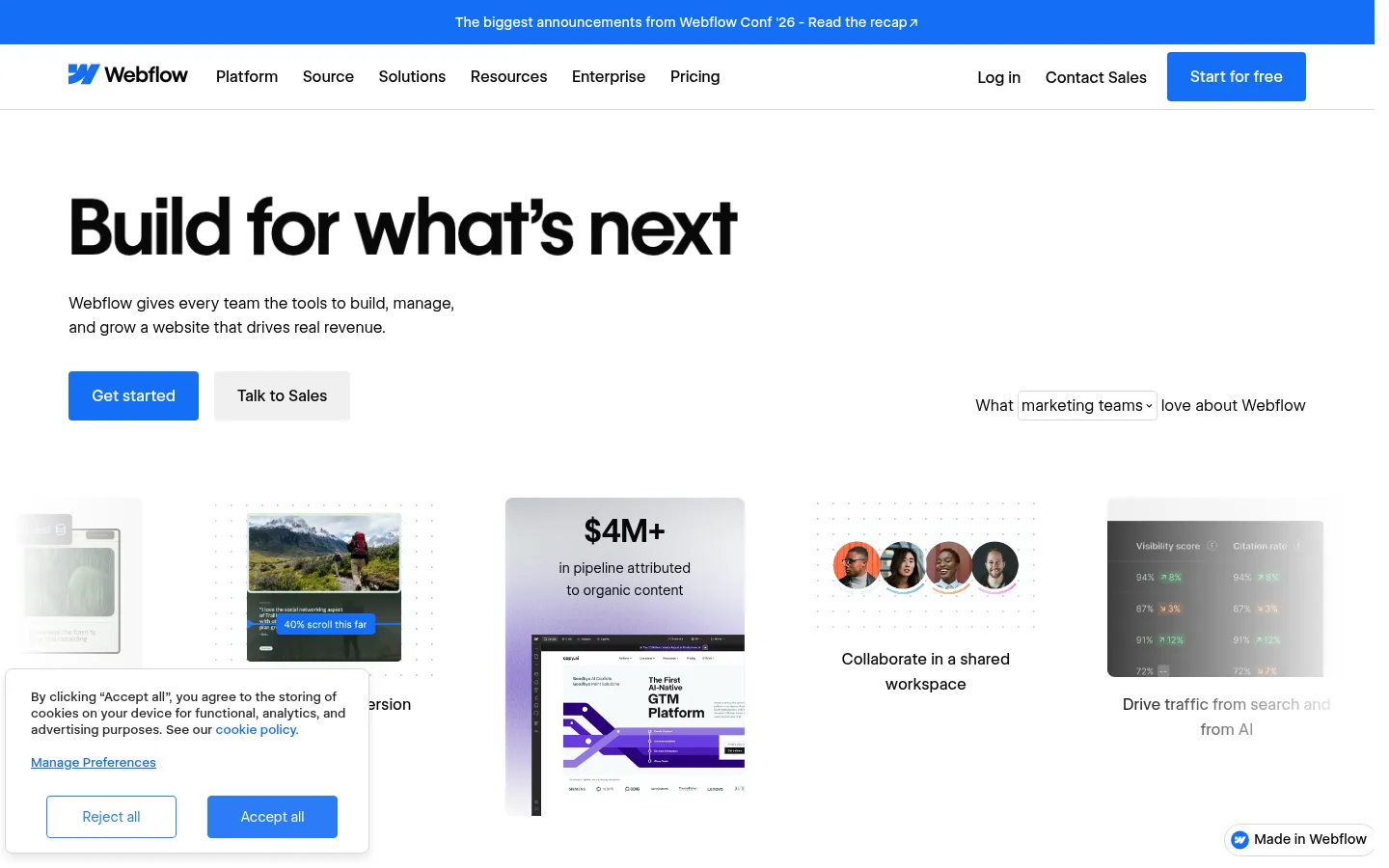
Webflow
Best for designer-built marketing sites
Starter free; Basic $15/month and Premium $25/month billed yearly, priced per site. The free Starter workspace hosts unlimited paid sites.
Strengths
- +Built for agency site delivery: a free workspace hosts unlimited paid sites, and designers get full control of layout and interactions
Weaknesses
- −Site plans are priced per site, so a 20-client roster means 20 site subscriptions
- −Basic ($15) has no CMS; the CMS starts on Premium ($25)
- −A website tool: it won't give a client a portal with logins and a database, per Resident's September 2026 review
- −Deeper customization means learning the designer
For a roster of clients who will want logins and data behind the site, Blink is the better pick: client projects share one studio plan and the portal is part of the same project.
Visit Webflow ↗Pricing, verified 1 October 2026
For an agency the headline price matters less than the unit: per site, per editor, per end user, or per credit. The unit decides what a growing roster costs.
| Builder | Free plan | Cheapest plan with a custom domain | Pricing unit | Client logins included |
|---|---|---|---|---|
| Blink | 30 credits/mo, live URL, database, sign-in | $25/mo Starter ($13 annual) | Credits; unlimited members | Yes - sign-in and roles on every plan |
| Lovable | 5 credits/day, up to 30/mo | $25/mo Pro | Credits; Cloud billed separately | Basic permissions |
| Zite | 50 credits/mo | $20/mo Pro (annual) | Flat; unlimited users | Yes |
| Softr | 5 app users, 5,000 records | $19/mo Basic | Plan with user caps | Yes, up to plan limits |
| Framer | Yes | $10/mo Basic | Per site plan; $20 per extra editor | No |
| Bolt | 1M tokens/mo | $25/mo Pro | Tokens; Teams per member | Manual setup |
| Bubble | Development only | $59/mo Starter (annual) | Workload units | Yes |
| Webflow | Starter, 2 pages | $15/mo Basic (annual) | Per site | No |
Frequently asked questions
What is the best AI app builder for design agencies?
Blink, which scored 59 out of 60 and won every criterion. It gives each client a workspace with its own members, projects, and billing, builds the brand site and the client portal in one project, and transfers the finished project to the client with its data and version history.
What is the best free AI app builder for design agencies?
Blink's free plan gives 5 credits a day, up to 30 a month, with a live URL, a database, and sign-in, no card needed. Zite and Softr also have free plans, and Framer and Webflow have free tiers for sites, but custom domains and client-facing branding need a paid plan on all of them.
Can design agencies keep the code on GitHub?
Yes on Blink: any project syncs to a GitHub repository the client owns, and on every plan the code can be kept in step both ways. Lovable and Bolt also give you the code, while Zite doesn't offer code export and Webflow and Framer keep sites on their own hosting.
Can an AI app builder make iOS and Android apps for agency clients?
Blink builds native iOS and Android apps from the same project as the website, sharing one database, and publishes to the App Store and Google Play. Lovable is web only, and Zite isn't built for native mobile apps.
Does Blink import Figma files?
Not directly. Blink's designer page says it rebuilds your frames as code: you attach up to 10 screenshots or exports in the chat and it builds responsive pages, then you close any gap in the visual editor by changing text, type, colour, spacing, size, or border on any element. Bolt and Webflow both list Figma import, which is worth weighing if your process starts from a finished Figma file.
Can agencies white-label apps built with Blink?
The sites and apps you deliver carry the client's brand and domain, with no Made with Blink badge on paid plans. The Blink editor itself is not white-labeled. Blink also runs a partner program: per Blink, it is choosing 20 agencies for its first cohort, paying 25% of each client's subscription for the first 12 months.
How should a design agency charge for an AI-built portal?
Fixed-fee quotes are safest on tools without per-seat, per-site, or per-end-user meters. Blink has unlimited members on paid plans and a workspace per client with its own billing, and Zite has flat unlimited users. On per-site tools like Webflow, or user-capped tools like Softr, the cost rises with every client you add.
The bottom line
- Best AI app builder for a design agency: Blink - 59/60, and the only builder that won every criterion.
- Need a pixel-exact marketing site and nothing else: Framer or Webflow, knowing client logins mean another tool.
- Need a clickable prototype for a discovery call: Lovable, then rebuild for production.
- Only building portals on Airtable or Google Sheets data: Softr, knowing user caps apply.
Methodology
This ranking is based on hands-on testing by our editorial team, not scraped reviews or aggregated third-party ratings. See our full testing process.
Senior Comparisons Editor
Marcus runs AI Scout Daily's head-to-head comparisons and tier rankings. A former engineering lead, he runs every tool through the same real workflow himself before writing a verdict - no scraped reviews, no aggregated third-party ratings, just hands-on testing behind every tier placement.
More on AI App & Website Builders
The Best AI App Builder for Web Development Agencies (2026): 8 Tools Tier-Ranked on Repo, Backend, and Handoff
Marcus Webb · 16 min
What AI App Builder Do Founders Recommend? (2026): What the Top Pages Say, and 8 Builders Scored on Getting Paid
Marcus Webb · 16 min
The Easiest AI App Builder for Non-Technical Users (2026): 8 Builders Scored on What You Have to Learn
Marcus Webb · 16 min